Color Moodboard
Studio
Make the palette feel like a direction.
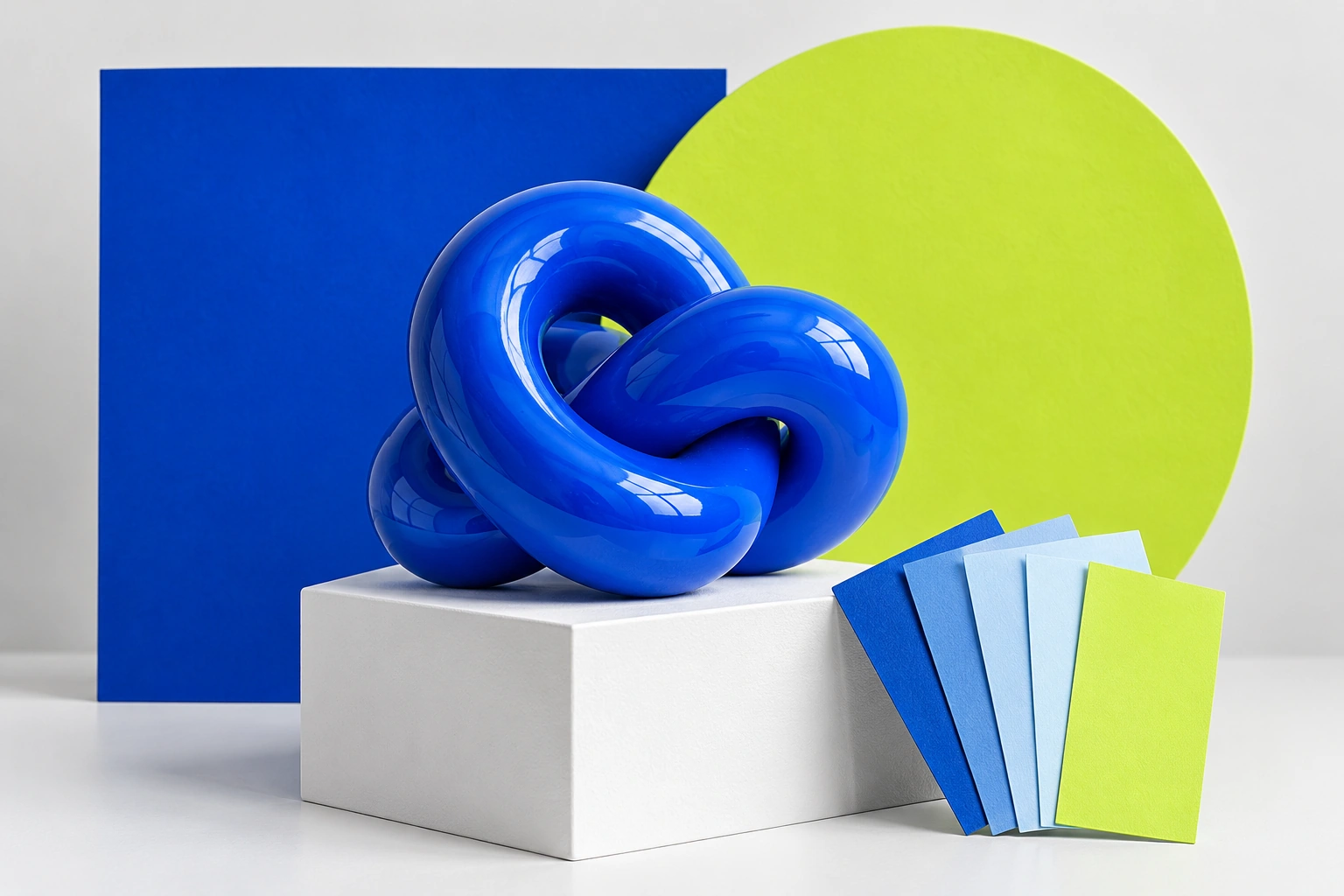
Arrange exact color roles with a sample image,
then share the values your collaborator can reuse.
Compose your color direction
Check these text/background pairs
Opaque sRGB pairs only. Thresholds use unrounded values. Pair checks do not certify a whole page.
Share a direction they can build on.
Make the most of your palette.
Assign clear color roles
Name each swatch so others
know how to use it.
Check the actual pairings
Test key text/background
combinations.
Share the source values
Send the exact HEX or RGB
codes with a visual reference.
Questions, Answered.
Will these colors look identical on every screen?
No. Exact codes are portable; display appearance can vary.
Does the moodboard include my image?
When Include sample image is checked, the PNG, PDF, JSON and editable link include the current built-in or uploaded image. Uncheck it to omit the image from shared outputs. Uploads are resized locally; nothing is automatically published.
Does a passing pair mean the whole page passes?
No. Checks apply only to the specified opaque sRGB foreground/background pair. Normal AA uses an unrounded 4.5:1 threshold; large text AA uses 3:1. Other page colors, sizes, states and content still need review.